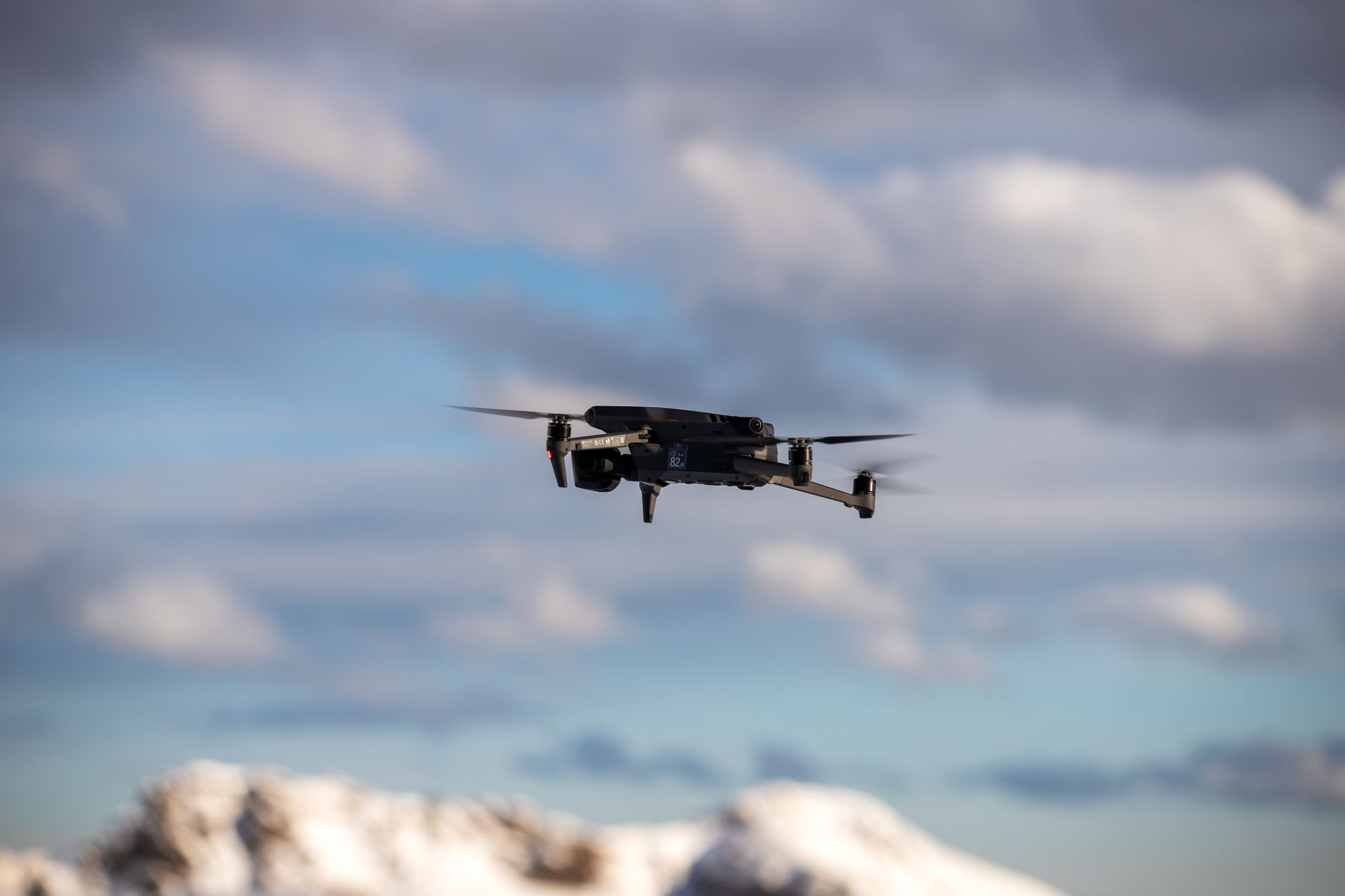
How to Build a Single Motor Drone: The Complete Beginner Tutorial
You've watched drones soar through the sky and wondered: could you build one yourself? The answer is yes—and a single motor drone is the perfect starting point. Unlike four-rotor drones that demand precise balancing and complex control systems, a single motor drone teaches you the fundamentals without overwhelming complexity or expense.
For $30 to $80 and an afternoon's work, you can assemble a functioning aircraft that flies, responds to your input, and teaches you exactly why drones behave the way they do. No prior experience required. Just follow this guide step-by-step, and you'll have a working drone and a genuine understanding of how it stays in the air.
This isn't theory. It's practical, verified instruction used by maker communities and STEM education programs worldwide. Let's build.
Why Build a Single Motor Drone?
Building beats buying for three critical reasons:
- Cost Efficiency: A quality commercial beginner drone costs $150–$400. A DIY single motor build runs $25–$80, leaving budget for mistakes and upgrades.
- Learning Value: Assembly teaches you circuit design, motor physics, battery management, and troubleshooting—skills that transfer to quadcopters, robotics, and electronics projects.
- Customization: You choose every component. Want a lighter frame? Swap it. Need longer flight time? Upgrade the battery. Commercial drones lock you into their design choices.
How Single Motor Drones Work: The Physics
Before you solder a wire, understand the physics. A single motor drone achieves flight through thrust vectoring—tilting the motor itself to change the direction of thrust, rather than spinning multiple rotors at different speeds.
Here's what happens:
- Vertical Flight: Motor spins at constant speed, producing upward thrust equal to the drone's weight. The gyroscope in the frame keeps it stable.
- Forward/Backward Motion: A servo motor tilts the main rotor slightly forward or backward. This angled thrust pushes the drone in that direction while the gyroscope compensates, preventing flipping.
- Rolling (Side-to-Side): A second servo tilts the motor left or right. The gyroscope stabilizes the roll, keeping the drone level during the maneuver.
- Yaw Rotation: A tail rotor (smaller propeller on a boom) spins in the opposite direction of the main rotor, creating opposing torque that rotates the drone left or right.
The gyroscope is critical. It senses any tilt and automatically fires tiny corrective pulses to the servos, keeping the drone stable. This automatic correction is why even beginners can fly a single motor drone immediately—the electronics do much of the work.
Limitations are real: single motor drones have shorter flight times (4–8 minutes) than quadcopters, less agility, and narrower wind resistance. But as a learning platform, they're unmatched.
Complete Parts List with Vendors
Order these components before you start. All are widely available and tested in hundreds of builds.
| Component | Specification | Vendor | Price Range | Quantity |
|---|---|---|---|---|
| Brushless Motor | 1000–2000 KV, 20–30A | Amazon / AliExpress | $8–$15 | 1 |
| Motor Speed Controller (ESC) | 30A, brushless compatible | Amazon / HobbyKing | $6–$12 | 1 |
| Radio Control Receiver | 3+ channel, 2.4GHz | Amazon / Banggood | $12–$18 | 1 |
| Servo Motors | 6g micro servo, 4.8–6V | Amazon / DJI Store | $4–$8 each | 2–3 |
| Lithium Battery (LiPo) | 3S (11.1V), 2200mAh | Amazon / HobbyKing | $12–$20 | 1 |
| Frame Kit | Aluminum or carbon fiber, 250–450mm | Thingiverse / Banggood | $15–$30 | 1 |
| Propellers | 9–12 inch, balancing required | Amazon / Amazon | $6–$10 | 2–4 |
| Gyroscope Flight Controller | 6-axis IMU, PPM input | AliExpress / Amazon | $8–$16 | 1 |
| Battery Charger | LiPo-compatible, 1–2S balancing | Amazon / HobbyKing | $15–$25 | 1 |
| Connectors (XT60) | Male/female pair | Amazon / Banggood | $2–$4 | 2–3 pairs |
Vendor Notes: Amazon offers fastest shipping (2–3 days in US/UK); AliExpress and Banggood offer 30–40% lower prices but 2–4 week shipping. HobbyKing specializes in drone parts and has warehouse locations in multiple countries. For beginners, pay the Amazon premium on your first build; speed and return policies matter more than $5–$10 savings.
Tools and Equipment You'll Need
- Soldering Iron & Solder: 30–40W iron with rosin-core solder. Butane irons work outdoors; corded irons are more reliable.
- Hot Glue Gun: For mounting servo motors to the frame without damaging wires.
- Wire Strippers: 18–24 AWG capable; cheap ones work fine.
- Multimeter: $8–$15 digital multimeter for continuity testing and voltage checking.
- Hex Key Set: M2–M4 sizes for frame and motor bolts.
- Pliers & Tweezers: For connector work and wire bending.
- Helping Hands Tool: Holds components during soldering; saves 30 minutes of frustration.
- Safety Gear: Solder fume extractor or open-window workspace; safety glasses recommended.
- Workspace: Non-flammable surface (tile or workbench), not carpet. LiPo batteries demand respect.
Total tool cost: $40–$80 if buying new. Many shared makerspaces provide these free.
Cost Breakdown Table
| Category | Low Budget | Mid-Range | Premium |
|---|---|---|---|
| Drone Components | $35–$50 | $55–$75 | $80–$120 |
| Tools (one-time) | $25–$40 | $50–$75 | $100–$150 |
| Battery Charger (one-time) | $15–$20 | $25–$35 | $50–$80 |
| Spare Propellers & Parts | $5–$10 | $15–$25 | $30–$50 |
| Total First Build | $80–$120 | $145–$210 | $260–$400 |
| Subsequent Builds (components only) | $35–$50 | $55–$75 | $80–$120 |
Budget strategy: Start low-range for your first build. You'll make mistakes (crashed propellers, soldering errors). Once you complete one successful flight, invest in better components for build #2.
Step-by-Step Assembly Instructions
Build Time: 3–5 hours | Difficulty: Beginner-Friendly
Phase 1: Frame Assembly (30 minutes)
- Unpack the frame kit and identify all pieces: main boom, vertical stabilizer, landing gear, motor mount.
- Bolt the motor mount to the main boom using M3 bolts. Tighten firmly but don't strip the holes.
- Attach the vertical stabilizer to the boom's rear using the pre-drilled holes.
- Mount the landing gear skids to the boom with zip ties—this allows them to flex on impact.
- Verify nothing is bent. Sight down the boom to check for twists; straightness here prevents unstable flight.
Phase 2: Motor Installation (20 minutes)
- Inspect the motor shaft for damage. It should spin smoothly by hand.
- Slide the main propeller onto the shaft. Ensure the propeller mounting ring is clean—any debris causes vibration.
- Secure the propeller with the locking nut. Hand-tight plus one quarter-turn; over-tightening cracks the propeller.
- Install the tail rotor motor (smaller, if your design includes one) to the vertical stabilizer using M2 bolts.
- Solder three wires from the main motor to the ESC outputs: A, B, C phases. Order doesn't matter for initial testing but pick one order and keep it consistent.
Phase 3: Servo and Controller Installation (45 minutes)
- Hot-glue the pitch servo (tilts motor forward/backward) to the frame, ensuring the arm rotates freely without hitting the boom.
- Connect the servo arm to the motor mount using a metal linkage. Adjust so neutral servo position keeps the motor vertical.
- Repeat for roll servo (tilts motor left/right) if your design includes dual-axis control.
- Mount the flight controller (gyroscope board) to the center of the main boom using foam double-sided tape. Level mounting is critical—use a phone level app if needed.
- Solder six connections from the flight controller: power (+5V, GND), signal from receiver, and signal to gyro correction outputs.
Phase 4: Battery and Wiring (45 minutes)
- Solder the battery connector (XT60) to the ESC input with correct polarity: red (+) to left pin, black (−) to right pin. Check twice before soldering.
- Run the battery pack along the boom's underside, securing it with Velcro straps (not glue—you'll need to remove it for charging).
- Connect the ESC's three-wire signal lead to channel 1 (throttle) of the receiver.
- Connect the flight controller's signal outputs to servo control channels (usually 2–3) of the receiver.
- Use a multimeter to verify: ESC input measures 11–12V (fully charged 3S LiPo); all servo connections show 5V reference voltage.
Phase 5: Final Assembly (30 minutes)
- Install the radio receiver antenna vertically, extending upward. Extend the antenna fully—it affects range and stability.
- Secure all wires with zip ties, leaving 2–3 inches of slack in case you need to replace components.
- Check that propellers have at least 6 inches of clearance from the frame in all directions.
- Balance the main propeller using a propeller balancer ($3–$8). Unbalanced props cause severe vibration and unstable flight.
- Perform a complete visual inspection: all bolts tight, no exposed wires, battery secure, antennas extended.
Wiring and Electronics Setup
This is where most builds fail. A single wrong connection kills your drone or worse—causes it to crash.
Wiring Diagram Logic
Visualize the circuit flow:
- Battery → ESC Input: 3S LiPo (11.1V nominal) powers the main motor through the ESC.
- ESC → Motor: Three-phase AC output (brushless protocol). Spinning direction determined by wire order; reverse any two wires to flip rotation.
- Receiver Output → ESC Signal: PWM 1–2ms pulses. 1ms = min throttle, 1.5ms = mid, 2ms = max. ESC interprets this and controls motor speed.
- Receiver → Flight Controller: Serial or PPM signal (depends on receiver type). Controller reads stick input.
- Flight Controller → Servos: 5V PWM pulses. Controller calculates servo positions based on gyro feedback + stick input.
Critical Wiring Rules
- Battery Polarity: Reversed polarity instantly fries the ESC ($50+ loss). Use a battery voltage checker before connecting. Red wire = positive; black = negative. Mark both sides of your connectors with markers if you're unsure.
- Signal vs. Power: Never twist signal wires with high-current power wires. The 30A flowing through the ESC induces noise into servo signals, causing jitter. Separate signal wires by at least 2 inches.
- Servo Connectors: Standard servo connectors (not polarized) reverse easily. Check your ESC/receiver documentation for correct pin order. A reversed servo signal causes 180° incorrect servo motion—the drone will tilt the opposite direction and crash.
- Ground Connections: All grounds (battery, ESC, receiver, controller) must connect to a common ground point, usually a central solder joint. Floating grounds cause intermittent glitches and random crashes.
Spend 20 minutes tracing every connection with a multimeter before powering on. Most troubleshooting takes 5 minutes; a fried ESC takes days to replace.
Testing and Calibration
NEVER power on the main motor until after these tests.
Pre-Flight Checklist
- Voltage Test: Plug the battery connector into the ESC (with propeller OFF). Multimeter should show 11–12V at the ESC power terminals. If less than 10V, charge the battery.
- Signal Test: Turn on your radio transmitter, then power the ESC. Move the throttle stick. The ESC should emit a series of beeps (this is the startup tone). Beep pattern tells you the battery voltage—three beeps = 3S confirmed.
- Servo Response: Use a servo tester (cheap $5–$8 tool) or receiver to send servo commands. Each servo should move smoothly. Servo speed should match the transmitter stick rate—no lag, no jitter. If a servo twitches or doesn't move, check the signal wire connection.
- Gyro Test: Tilt the drone by hand. Watch for a servo response—the flight controller should automatically fire small corrections. If no correction occurs, the gyro isn't reading the tilt. Recalibrate by cycling power with the drone level on a flat surface.
- Propeller Check: Manually spin the main propeller—it should rotate freely with zero catch or grinding. Any resistance indicates bearing damage. Replace the motor if grinding is heard.
First Power-Up Procedure
- Remove the propeller. I cannot stress this enough: the first motor spin should never have a propeller installed.
- Place the drone on a workbench, away from cables, tools, and people.
- Turn on the radio transmitter first (always).
- Connect the battery to the ESC. The ESC beeps once—it's armed but throttle is at minimum.
- Slowly increase throttle with the stick. The motor should spin silently, accelerating smoothly with no stuttering.
- Test all three throttle positions: low (barely spinning), mid (medium RPM), high (fast). Then reduce to zero and confirm the motor stops.
- Power off radio, then unplug battery. This sequence (radio off first, battery off second) prevents accidental throttle input while you work.
- Install the propeller. Perform the sequence again, but this time spin for 2 seconds at 50% throttle, then reduce to zero.
- Listen for vibration or grinding. If any grinding occurs, stop immediately, unplug the battery, and inspect the motor bearing.
Total ground testing time: 15–20 minutes. Rushing this step causes crashes and injury.
Troubleshooting Flowchart
| Problem | Cause | Solution |
|---|---|---|
| Motor won't spin | Dead battery / bad ESC connection | Check battery voltage (should be 11–12V). Re-solder ESC connectors if voltage present. |
| Motor spins but ESC beeps error | Reversed battery polarity or phase wires shorted | Unplug immediately. Check battery connector polarity. Test for continuity between motor phases—if any two show < 5 ohms, the motor is shorted. |
| ESC beeps once then cuts power (throttle doesn't work) | Signal wire disconnected from receiver | Verify the signal wire from receiver to ESC is soldered. Test with a multimeter for continuity. |
| Servo doesn't move or moves erratically | Loose servo connector or gyro not reading tilt | Reseat the servo connector firmly. If still erratic, recalibrate gyro by powering on with drone level on flat surface. |
| Drone tilts aggressively to one side during flight | Gyro misalignment or propeller imbalance | Land immediately. Use a propeller balancer to check prop balance. Remount gyro board level using a phone level app. |
| Motor stops mid-flight | Battery voltage too low / ESC thermal cutoff | Land and charge battery to 100%. If it happens again, replace the ESC—it's likely overheating. |
| Receiver loses signal (drone becomes unresponsive) | Antenna not extended or bent | Extend antenna fully. Check for kinks. If range is still < 50 feet, move to an open area away from buildings. |
Beginner Mistakes to Avoid
Hundreds of first-time builders crash in the same ways. Learn from them without the $50+ parts loss.
- Forgetting to Balance Propellers: An unbalanced propeller vibrates at high RPM, causing the frame to resonate and feedback into the gyro. The drone spirals out of control within seconds. Use a three-point balancer (the prop sits on a needle and you sand one blade until both sides are equal weight). This takes 5 minutes and prevents 80% of first-flight crashes.
- Mounting the Gyro Off-Kilter: If the flight controller is tilted 10 degrees, the gyro thinks that's "level" and corrects in the wrong direction. Always use a phone level app to ensure the gyro board is 100% flat on the boom.
- Using Undersized Servos: A 3g micro servo has maximum torque of 1.5 kg-cm. If your servo arm is longer than 3cm, it can't physically tilt the motor mount. The servo stalls and the drone won't respond to control input. Use 6g servos with 2.5kg-cm torque minimum.
- Soldering Signal Wires to Power Rails: An ESC outputs high-current power in pulses. If your signal wire runs alongside the power wire without shielding, the magnetic field induces noise into the signal, causing servo jitter. Keep signal wires separated by at least 2 inches.
- Not Testing on the Ground First: Jumping straight to flight testing is how people destroy $200+ worth of parts. Spend 30 minutes verifying every system on the ground (prop removed). A 10-minute ground test catches 90% of problems before they become flight failures.
- Flying in Wind During First Flights: Single motor drones have less wind resistance than quadcopters. Even 8mph wind can destabilize a light build. Test in calm conditions first. Once you're confident, then test in wind.
- Ignoring Battery Voltage During Flight: LiPo batteries voltage sag when you draw current. A battery that reads 12V at rest might drop to 10V under full throttle—below the ESC's operating minimum. Check under-load voltage with a meter while manually spinning the motor at 75% throttle. If it dips below 10.5V, get a larger capacity battery (2200mAh → 3300mAh).
Safety Precautions and Legal Considerations
Single motor drones are light enough that they rarely cause serious injury, but accidents happen. Follow these rules.
Physical Safety
- Always Remove the